Enrolling in Duo for Personal Information & Direct Deposit in PAWS
This page will provide instructions that will guide you through the following steps:
- Sign into PAWS
- Navigate to Direct Deposit page
- Enroll in Duo for Direct Deposit
Direct Deposit and Two Factor Authentication Self Enrollment
- Open any web browser and navigate to ‘https://paws.southalabama.edu’
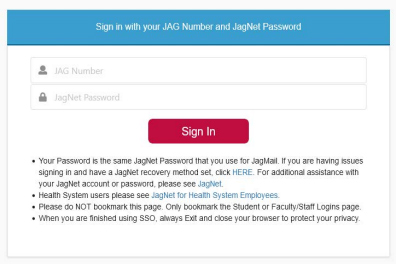
- Enter your Jag Number and JagNet Password and click ‘Sign In’
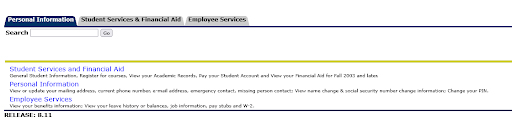
- Click on Personal Information.
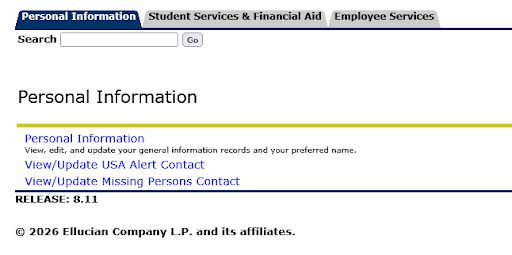
- Then click Personal Information, above View/Update USA Alert Contact
- Select the “Get Started” button
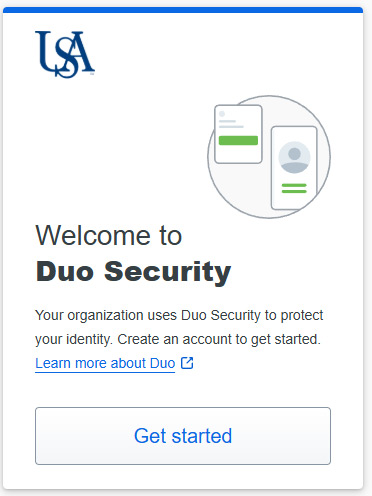
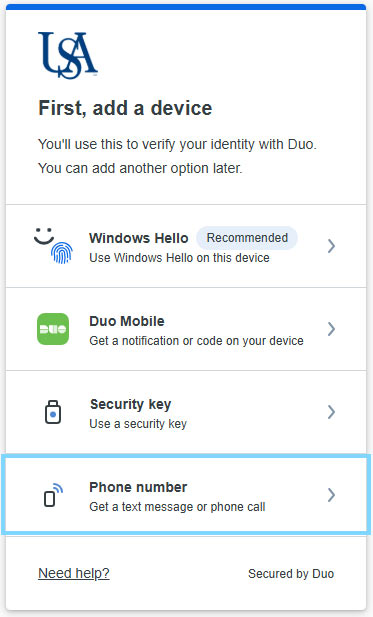
- Select an option. (Text Recommended)
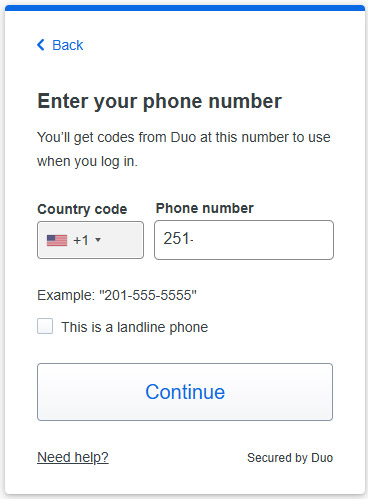
- Enter your mobile number (Including the area code) a select “Continue”
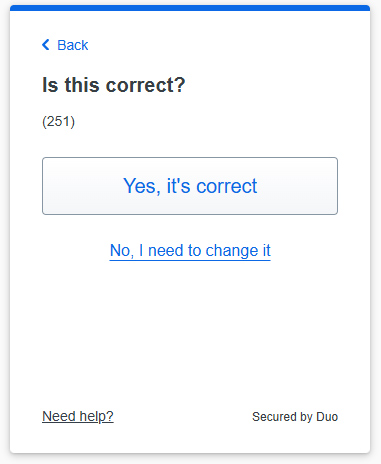
- You will be prompted to verify that the number you have entered is correct. If it is correct, click or tap the "Yes, it's correct" button.
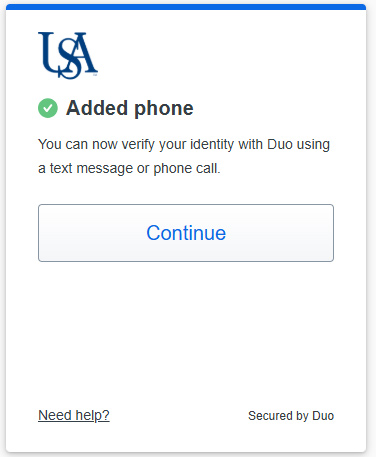
- You will see a confirmation screen indicating that the phone has been added successfully.
Click or tap the "Continue" button.
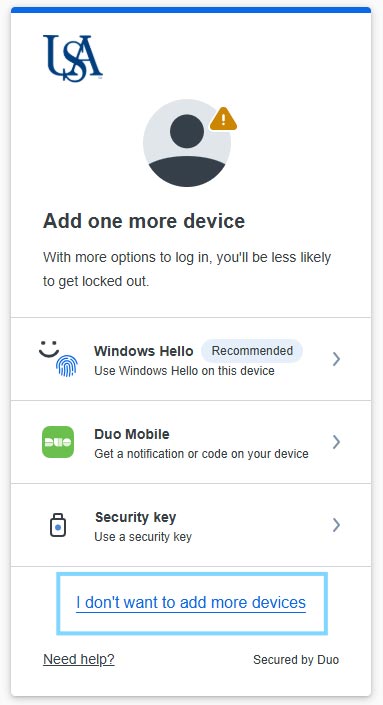
- You will be prompted to add one more device. Click or tap the "I don't want to add more devices" link near the bottom of the screen. You can always add more devices later.
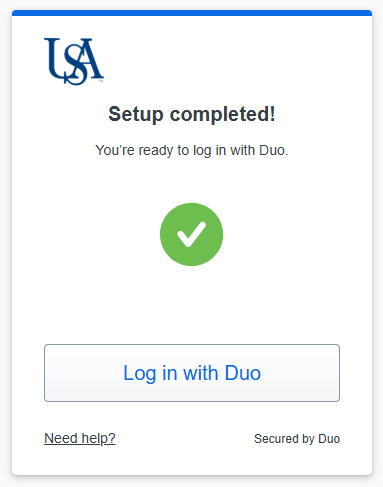
- You will be presented with another confirmation page indicating that setup has been
completed successfully. Click or tap the "Log in with Duo" button.
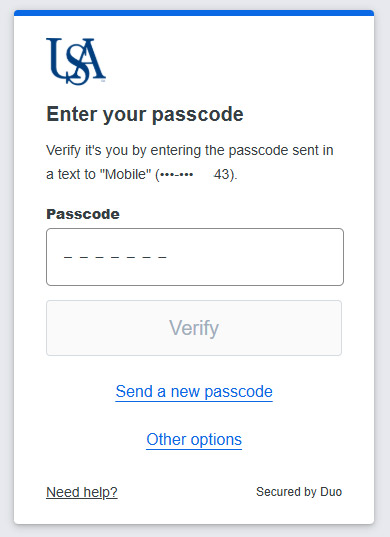
- Click or tap the "Send a passcode" button.
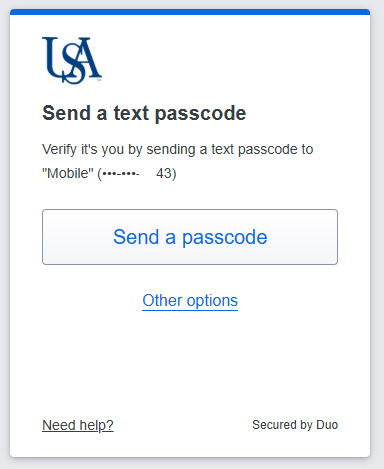
- DUO will text a seven digit passcode to the phone number you set up during this process. Enter the passcode and click or tap the "Verify" button to continue.
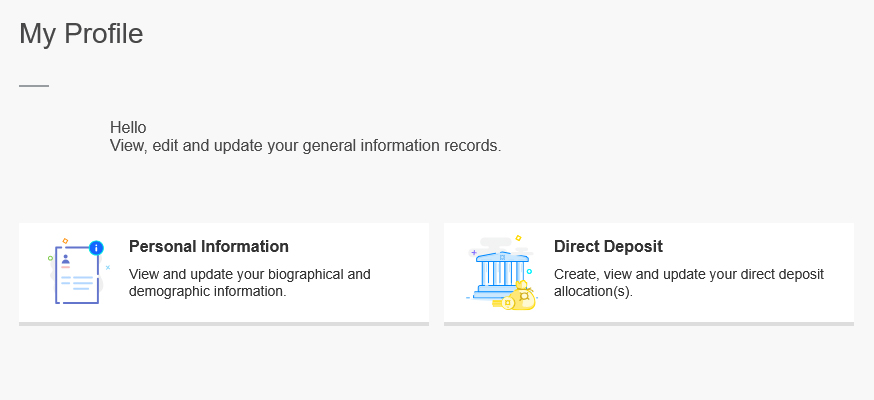
Now you’re all set! You should be able to verify your Direct Deposit information by clicking Direct Deposit.